



Search for more answers
Installation & Setup
See more
Installation & Setup
questions
Still stuck?
If you can't find what you're searching for, then send us a message!
How do I install Spawn?
Download the installer from your confirmation email, or log into the Customer Portal (https://portal.tryspawn.com/) with the email you used at checkout. Open your DAW afterward and rescan for new plugins so it shows up.
Purchased Spawn and can't find how to activate it? Click the link below and log in:
Related Questions
What plugin formats do you support?
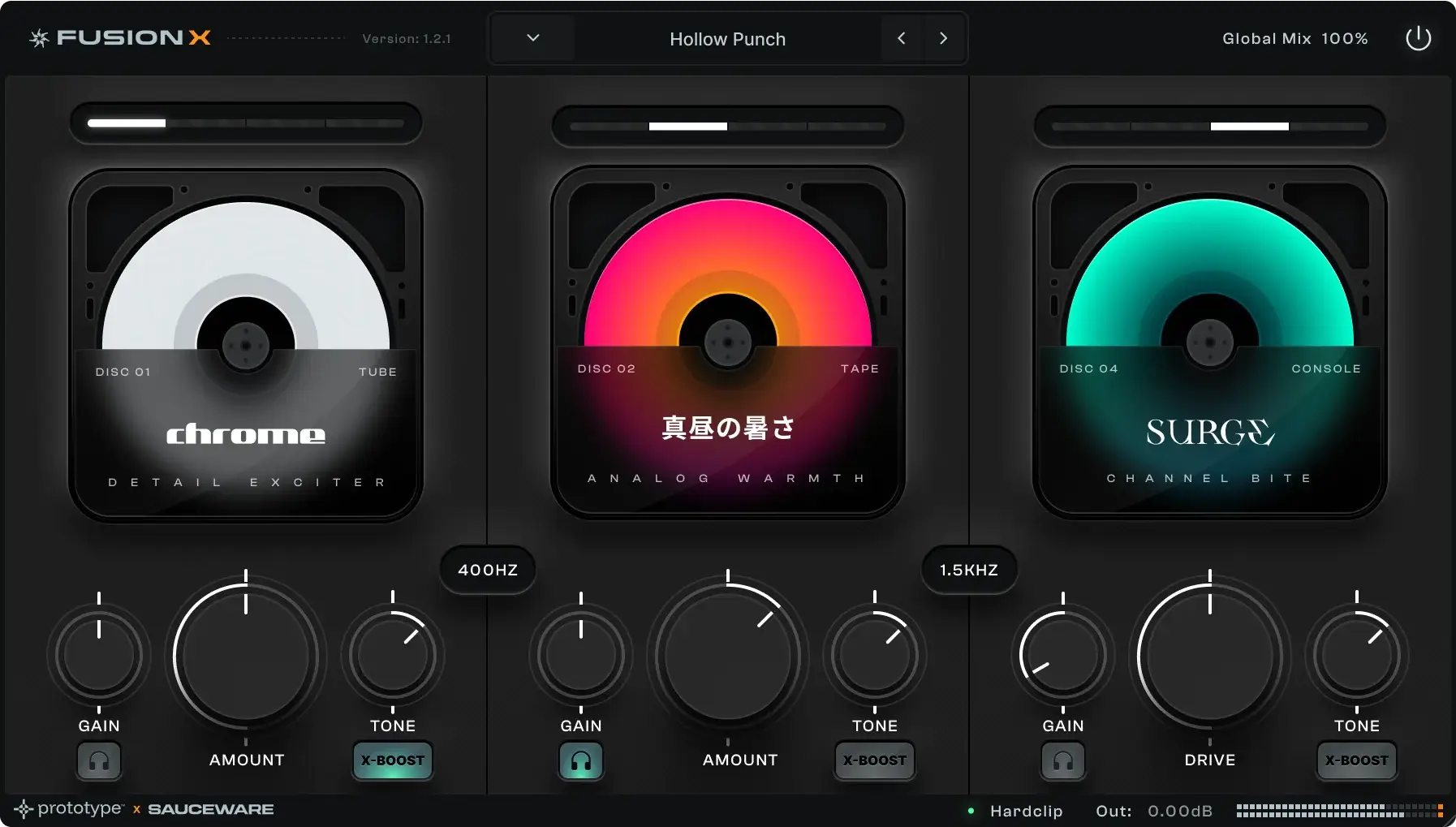
Scorch 2, Spawn, and Fusion X are available in both VST3 and AU.
I'm having trouble unzipping the file on Mac.
Right-click the ZIP and choose Archive Utility rather than a third-party unzip app — that clears it up in almost every case.
Spawn isn't showing up in my DAW.
Make sure it installed to the correct VST/AU plugin folder, then rescan your plugins from your DAW's settings and restart the DAW.
I bought an expansion pack but don't see it in Spawn.
Expansion packs load automatically the next time you open Spawn — try closing and reopening the plugin. If it's still missing, contact support with a screenshot.