Never lose an idea with Scorch 2

Never lose an idea with Scorch 2

A sampler that works as fast as ideas move, and goes as far as you need it to.

Most high quality samplers give you a sound library and leave you to figure the rest out.

Scorch 2 gives you sounds that hit and the tools to take them further.

Main View

Sampler

FX

MIDI Sequencer

Instant Control

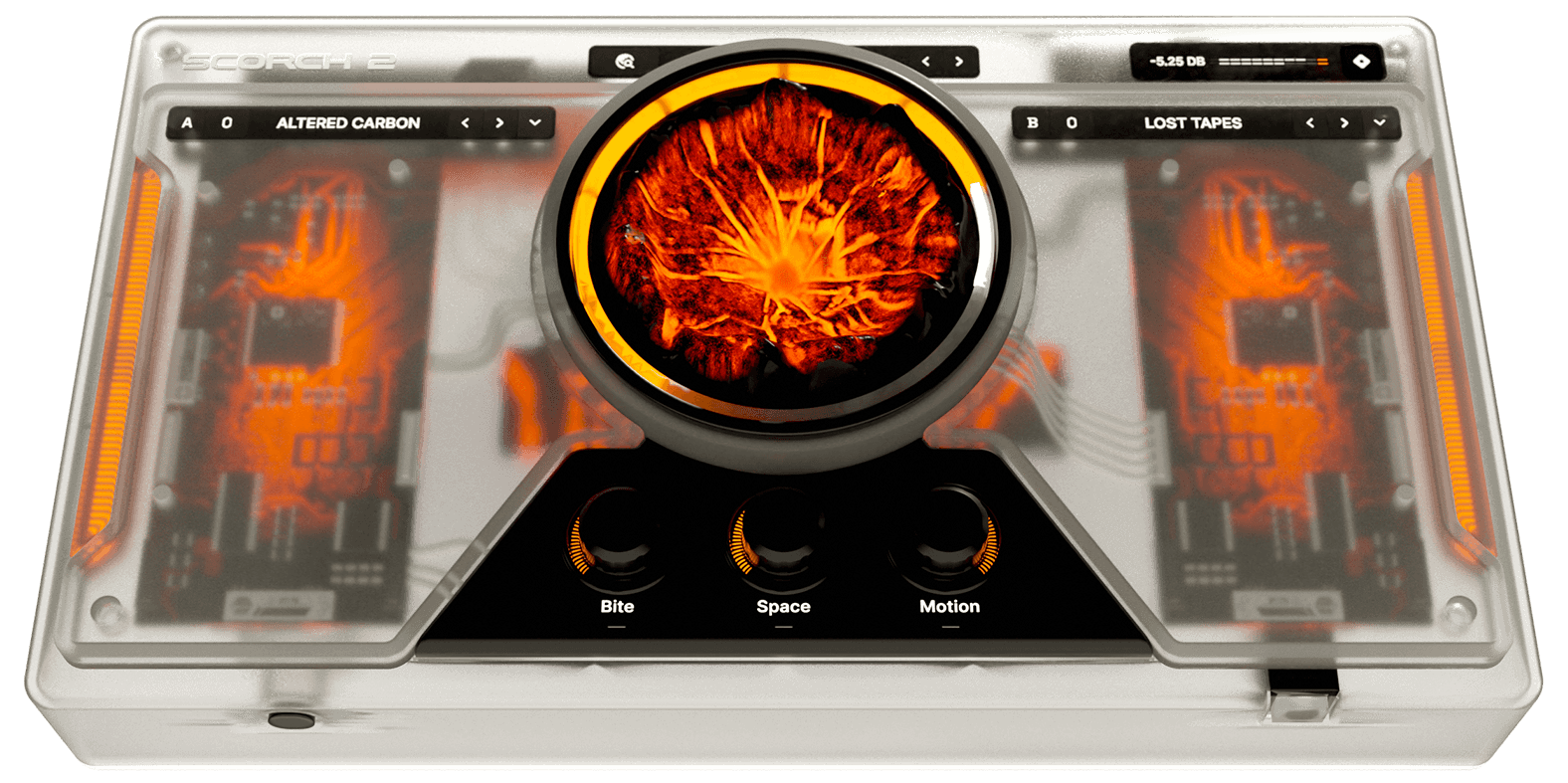
The front page is where you start. Load a preset, turn the chaos knob, and shape the sound before you go any deeper.

Main View

Sampler

FX

MIDI Sequencer

Go Deeper

The sampler page gives you full control over your sound sources, with LFOs and envelopes that can be routed to almost every parameter.

Main View

Sampler

FX

MIDI Sequencer

Add Character

The effects page adds tape echo, distortion, chorus and more. Go as deep as you want- nothing is too much.

Main View

Sampler

FX

MIDI Sequencer

A MIDI Playground

The built-in MIDI sequencer gives you melody, lead and bass patterns across a chord grid. Pick your key, build a progression, and try out patterns until something hits.

Main View

Sampler

FX

MIDI Sequencer

Learn how to cook up with Scorch

See our crazy plugin in action.

Scorch 2 Trailer
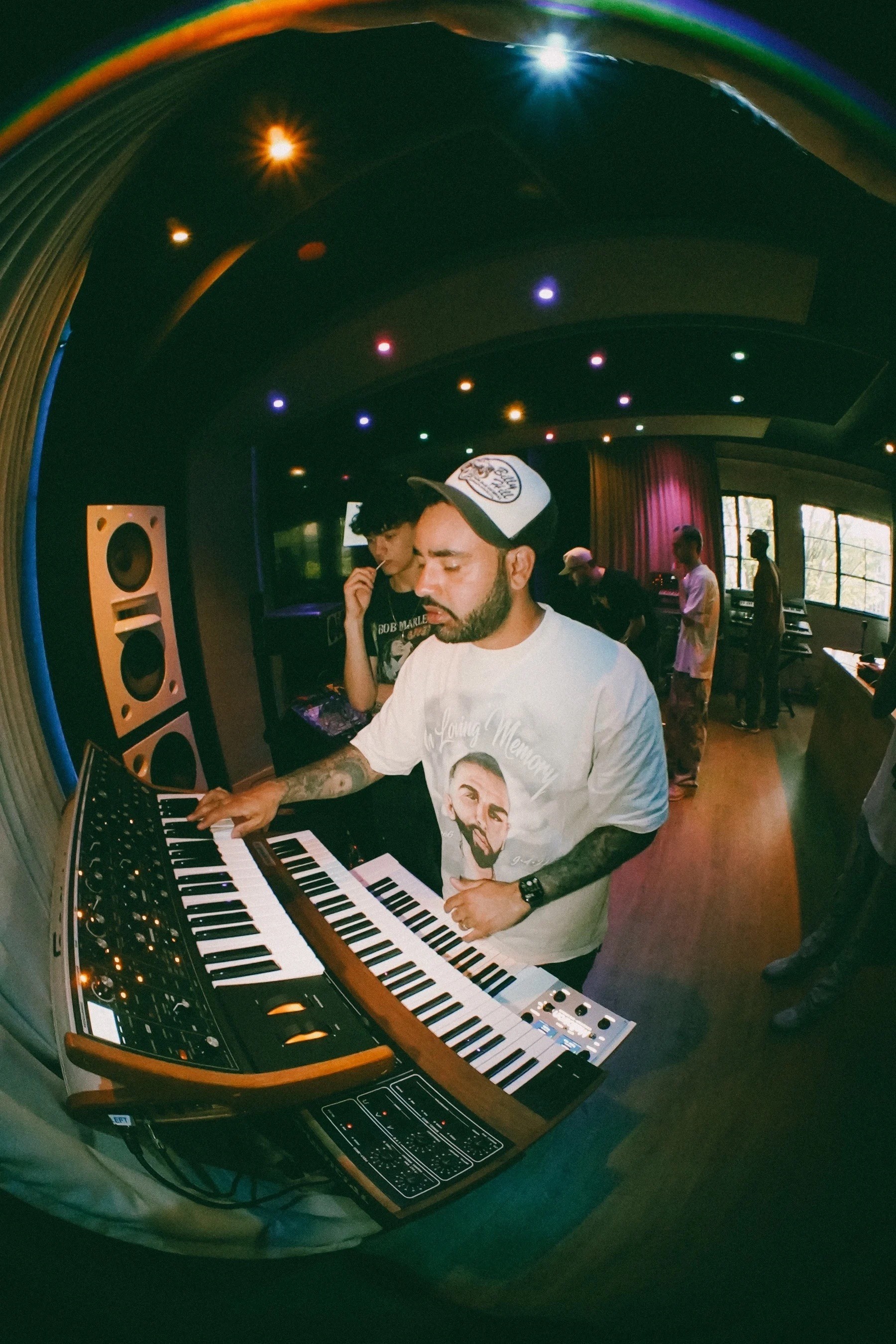
man playing a synthesizer

"Scorch 1 gave you a sound. Scorch 2 helps you find yours."

"We kept everything producers loved, cut everything they complained about, and built tools that keep you experimental instead of stuck scrolling presets."

My Best Friend Jacob, Sauceware founder and Scorch creator

Grammy nominated

1,000,000,000+ streams

Hear your sound transform

Hear your sound transform

Turn the chaos knob and hear your whole sound change.
Pitch, modulation and character all moving at once from a single control.

106 & Park

106 & Park

106 & Park

Chaos Knob

Off

On

Shape the chaos

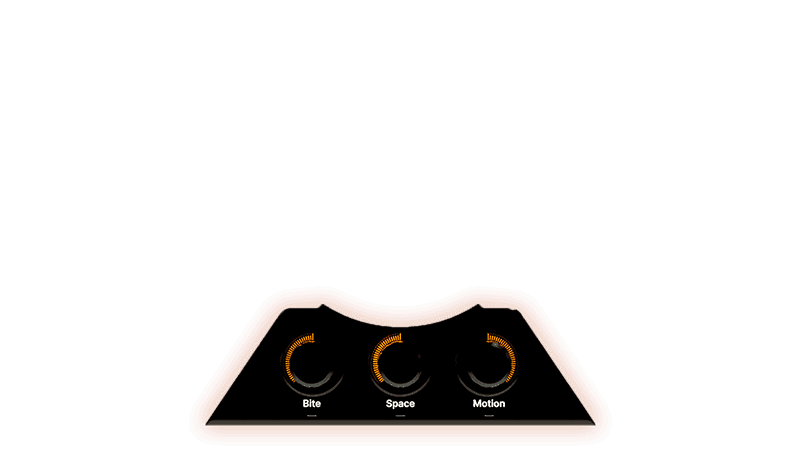
Three macros on the front panel give you hands-on control over the sound without opening a single menu.

Each one is mapped to the most useful parts of the sound, so you can get dialled in without breaking your momentum.

Three macros on the front panel give you hands-on control over the sound without opening a single menu.


Each one is mapped to the most useful parts of the sound, so you can get dialled in without breaking your momentum.

Bite

Adds grit, crunch and saturation

Space

Dials in reverb and delay

Motion

Controls the speed of all modulation sources

Screenshot of a man making music in FL Studio

Presets

Screenshot of a man making music in FL Studio

Sound Design

Screenshot of a man making music with a plugin

Chaos Knob

Screenshot of a man making music in FL Studio

Randomizer

Push your sound further

Start from a sound that works, then make it yours.

Scorch 2

475+ Sounds Built in

Chaos Knob for Endless Variation

Randomize Button for Instant New Sounds

MIDI Sequencer

All Scorch 1 Sounds Included

14-Day Money-Back Guarantee

Get Scorch 2

spawn plugin interface

What plugin formats do you support?

Scorch 2, Spawn, and Fusion X are available in both VST3 and AU.

Do I need to own Scorch 1 to buy Scorch 2, or is it standalone?

Standalone. No Scorch 1 required.

Is there an upgrade discount for existing Scorch 1 owners?

Yes. Check your email for your discount code.

What's your refund policy?

Spawn, Scorch, Scorch 2, Octave Deluxe, and bundles are covered by a 14-day money-back guarantee from date of purchase. Contact support with your order number and we'll process it, typically within 3–5 business days.

Do you offer educational or student discounts?

Email support@saucewareaudio.com to discuss educational discounts, and keep an eye on our promotions for other sales.

What if my plugin genuinely won't run on my system?

If a compatibility issue means you can't use the plugin (unsupported OS/DAW version, no AAX and a wrapper isn't a fit for you), reach out — we'd rather refund than leave you with something you can't use.

I didn't receive a bonus (course, sample pack, gift card) that came with my order.

These go out in a separate email from your main purchase confirmation and sometimes land in spam or promotions. Contact support with your order email and we'll resend everything you're owed.

I bought a bundle with multiple products. Where do I redownload everything?

Contact support and we'll confirm exactly what's on your order and send organized download links for each product in one reply.

What plugin formats do you support?

Scorch 2, Spawn, and Fusion X are available in both VST3 and AU.

Do I need to own Scorch 1 to buy Scorch 2, or is it standalone?

Standalone. No Scorch 1 required.

Is there an upgrade discount for existing Scorch 1 owners?

Yes. Check your email for your discount code.

What's your refund policy?

Spawn, Scorch, Scorch 2, Octave Deluxe, and bundles are covered by a 14-day money-back guarantee from date of purchase. Contact support with your order number and we'll process it, typically within 3–5 business days.

Do you offer educational or student discounts?

Email support@saucewareaudio.com to discuss educational discounts, and keep an eye on our promotions for other sales.

What if my plugin genuinely won't run on my system?

If a compatibility issue means you can't use the plugin (unsupported OS/DAW version, no AAX and a wrapper isn't a fit for you), reach out — we'd rather refund than leave you with something you can't use.

I didn't receive a bonus (course, sample pack, gift card) that came with my order.

These go out in a separate email from your main purchase confirmation and sometimes land in spam or promotions. Contact support with your order email and we'll resend everything you're owed.

I bought a bundle with multiple products. Where do I redownload everything?

Contact support and we'll confirm exactly what's on your order and send organized download links for each product in one reply.

blueprints-style image of a plugin interface

Specifications

Instruments and sounds

475 factory presets

Including live instruments, analog synths, and all sounds from the original Scorch plugin

Preset randomization

Fully automatable in DAW

Sound engine & processing

Completely new sound engine from Scorch 1, rebuilt from the ground up

2 sampler engines with in-depth speed, pitch, and panning controls

2 filters and 2 envelopes, one for each sampler engine

5 effects reverb, delay, distortion, chorus, and tape

Modifiers

Central chaos knob allowing you to completely transform your sound

3 key macros (Bite, Space, Motion), providing easy control of the key aspects of your sound

3 LFOs and 3 envelopes, able to be assigned to your sampler and effects

MIDI sequencer

Tons of pre-made MIDI blocks

Individual chords, melody, and bass channels

Innovative harmony system, allowing for easy manipulation of MIDI with no music theory required

DAW compatibility

FL Studio, Ableton Live, Logic Pro, Cubase, Studio One, Bitwig, Reaper, and Reason.


Requirements

Operating system

MacOS 10.11 or newer

Windows 10 or newer

Processor

Mac: Intel and Apple Silicon

Windows: Requires an Intel or AMD (x86-64) processor. Windows on ARM devices are not supported.

Storage

10GB free disk space

Graphics/Display

Display resolution 1280x720 or higher

Other

Plugin formats: VST3 & AU

Internet access required for installation and activation