


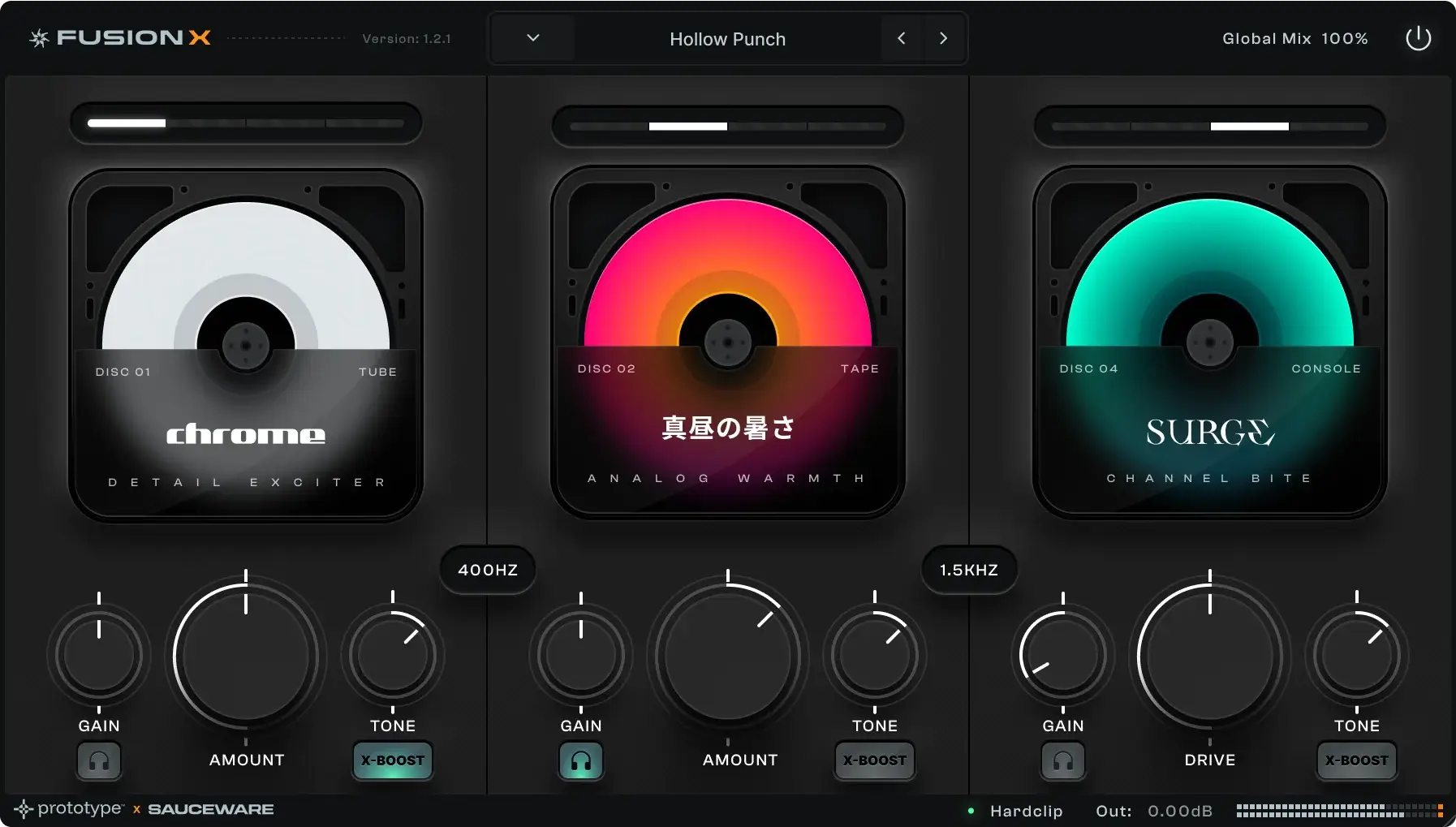


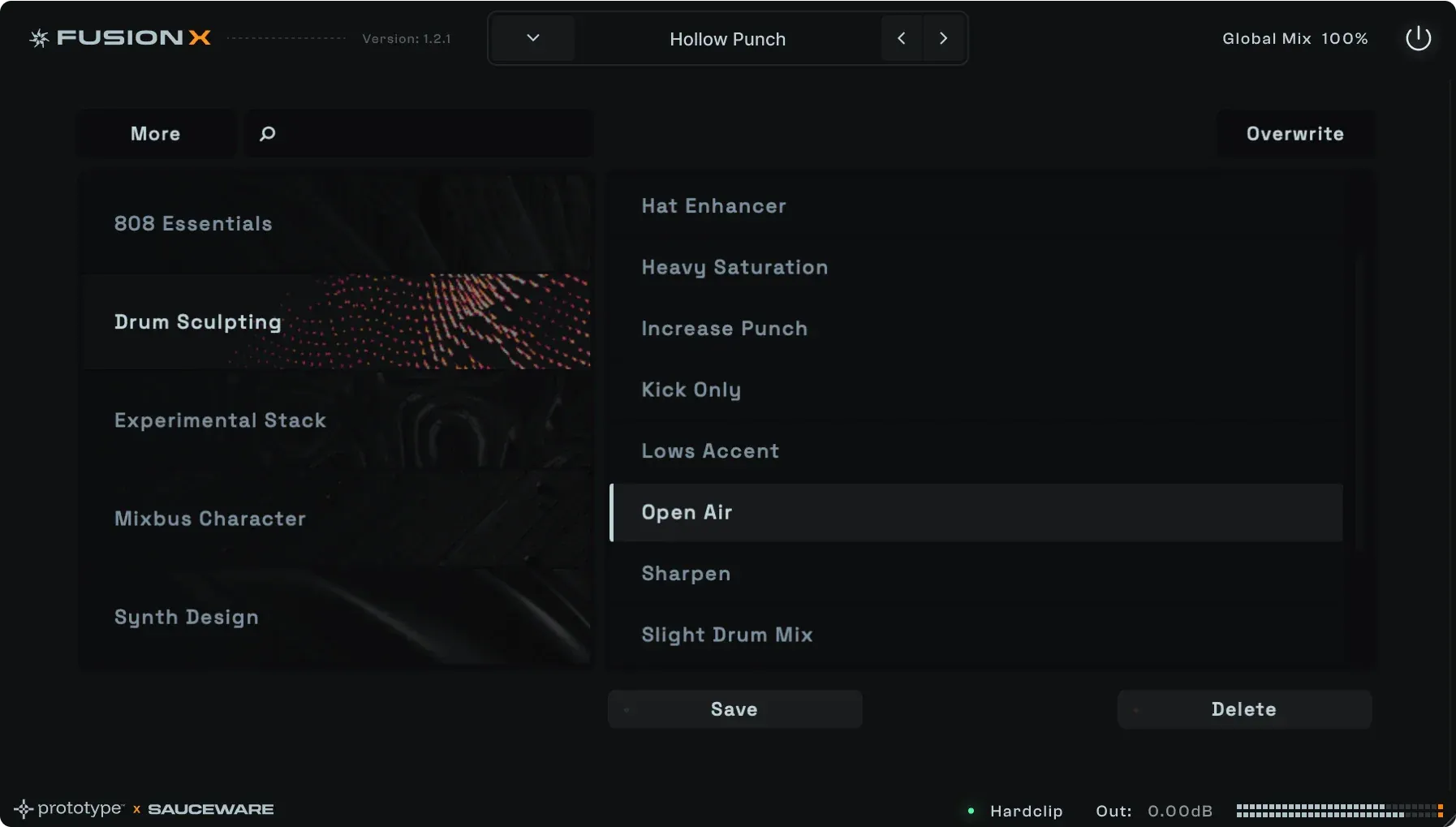

The Fusion X difference
Dry vs wet sound demo
What's inside?
The best flavors of analog saturation




Buy Fusion Today!
Analog saturation on steroids

Crafted in the Lab
Tube, tape, and everything in between
Hardware Sound
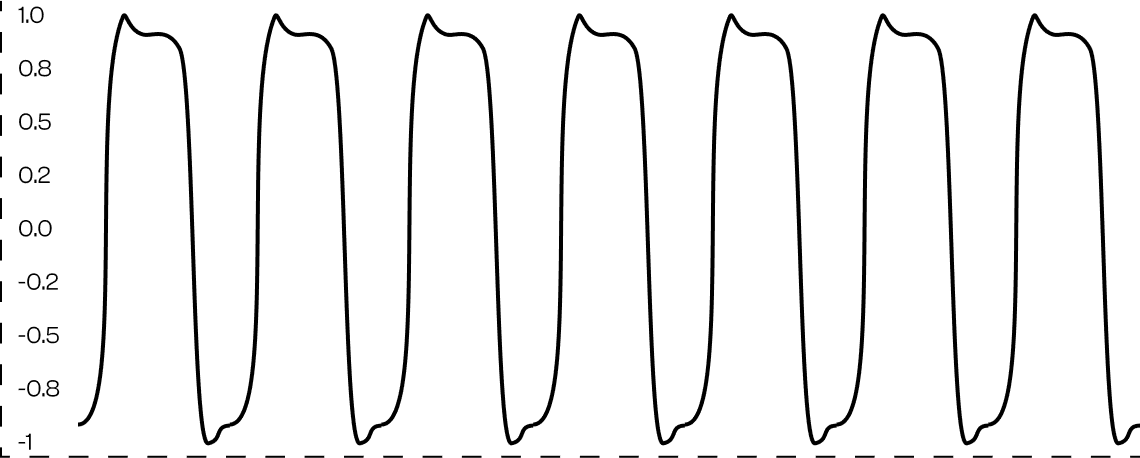
A collection of high quality amp models that range from tube to tape and analog mixing gear. Ready to color your mix and basslines.
developed in collaboration with:


Fusion in action
Dip your mix into hot analog liquid
01 Inside of Fusion X
02 Level up your drums
03 Kicks & 808s
What plugin formats do you support?
Scorch 2, Spawn, and Fusion X are available in both VST3 and AU.
What's your refund policy?
Spawn, Scorch, Scorch 2, Octave Deluxe, and bundles are covered by a 14-day money-back guarantee from date of purchase. Contact support with your order number and we'll process it, typically within 3–5 business days.
Do you offer educational or student discounts?
Email support@saucewareaudio.com to discuss educational discounts, and keep an eye on our promotions for other sales.
I didn't receive a bonus (course, sample pack, gift card) that came with my order.
These go out in a separate email from your main purchase confirmation and sometimes land in spam or promotions. Contact support with your order email and we'll resend everything you're owed.
What happens after I purchase Fusion X?
After completing your purchase, you'll be able to download the plugin immediately. You'll also receive an email with your activation code and a backup download link. Once Fusion X is installed, you'll be prompted to enter your activation key the first time you open it in your DAW.
What DAWs are supported by Fusion X?
Ableton, Cubase, Logic, MPC (Mac only), FL Studio, GarageBand, Reason, Studio One, and any other DAW that supports VST3 or AU.
What are Fusion X's system requirements?
Windows: Windows 10 or 11 (64-bit only editions), plus a VST3-compatible host application
Mac: macOS 10.14 (Mojave) through 15 (Sequoia), plus a 64-bit AU or VST3-compatible host application
Internet connection required to download the software and authorize the plugin
How do I install Fusion X?
After downloading, unzip the file and run the installer — it'll install Fusion X to the correct location automatically. Then open your DAW, rescan your plugins, and you should see Fusion X listed under Prototype Audio.